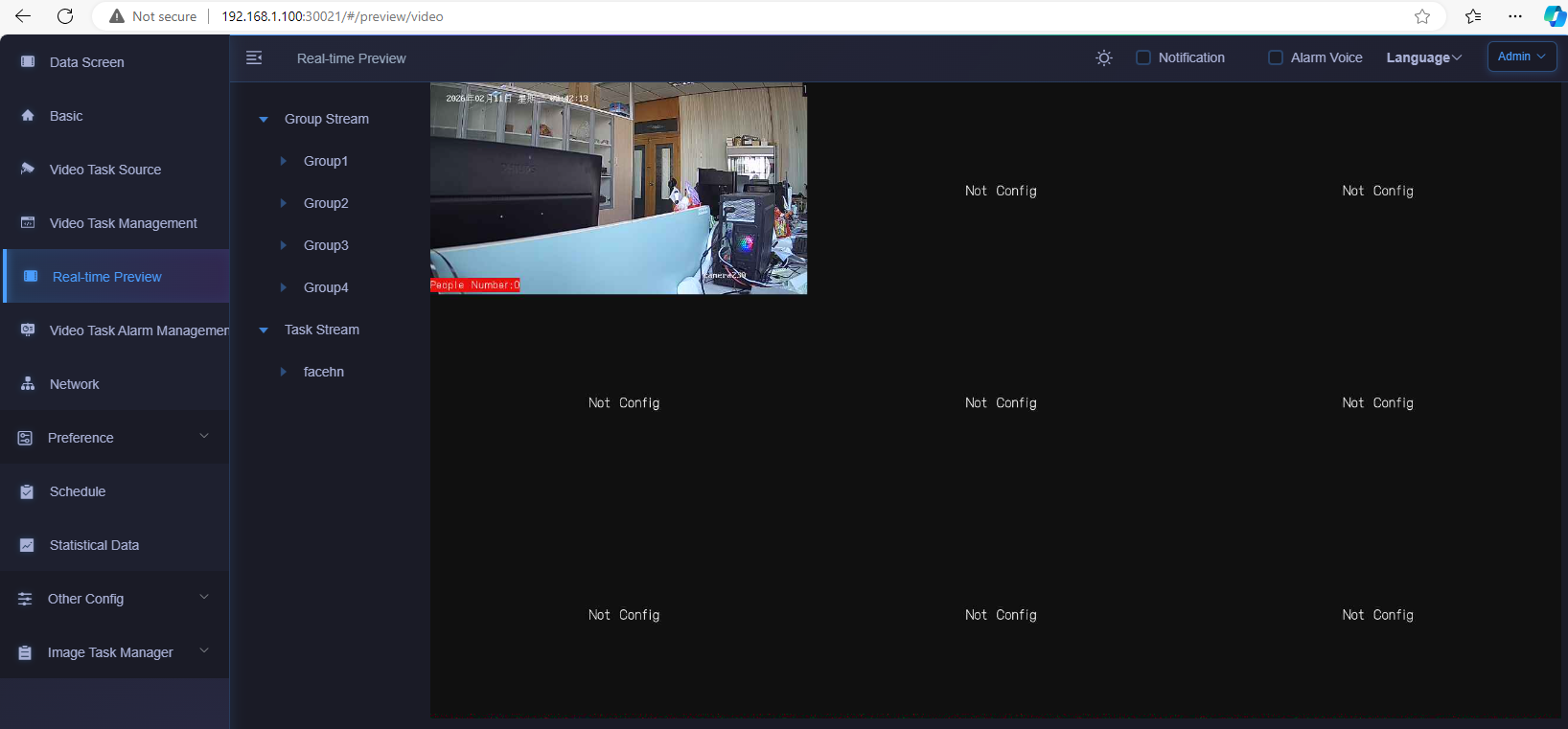
user manual of 192ch AI box
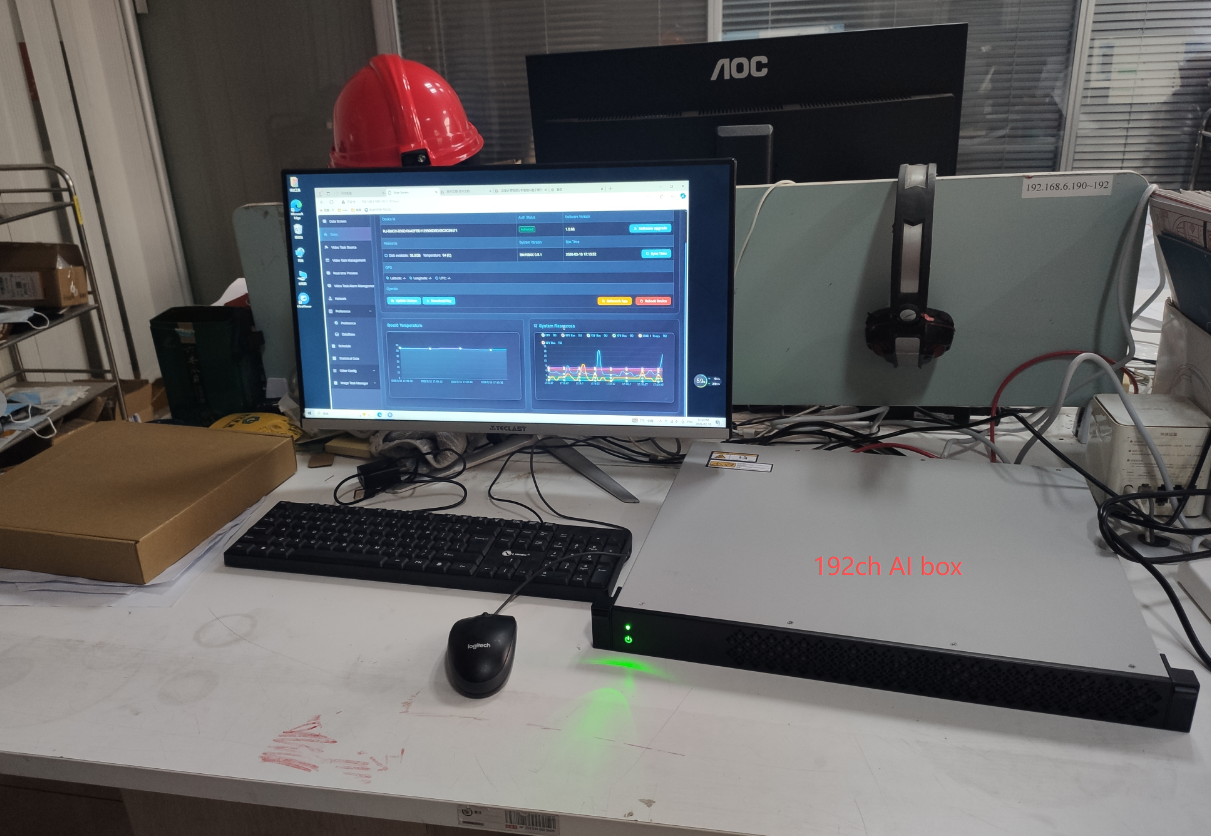
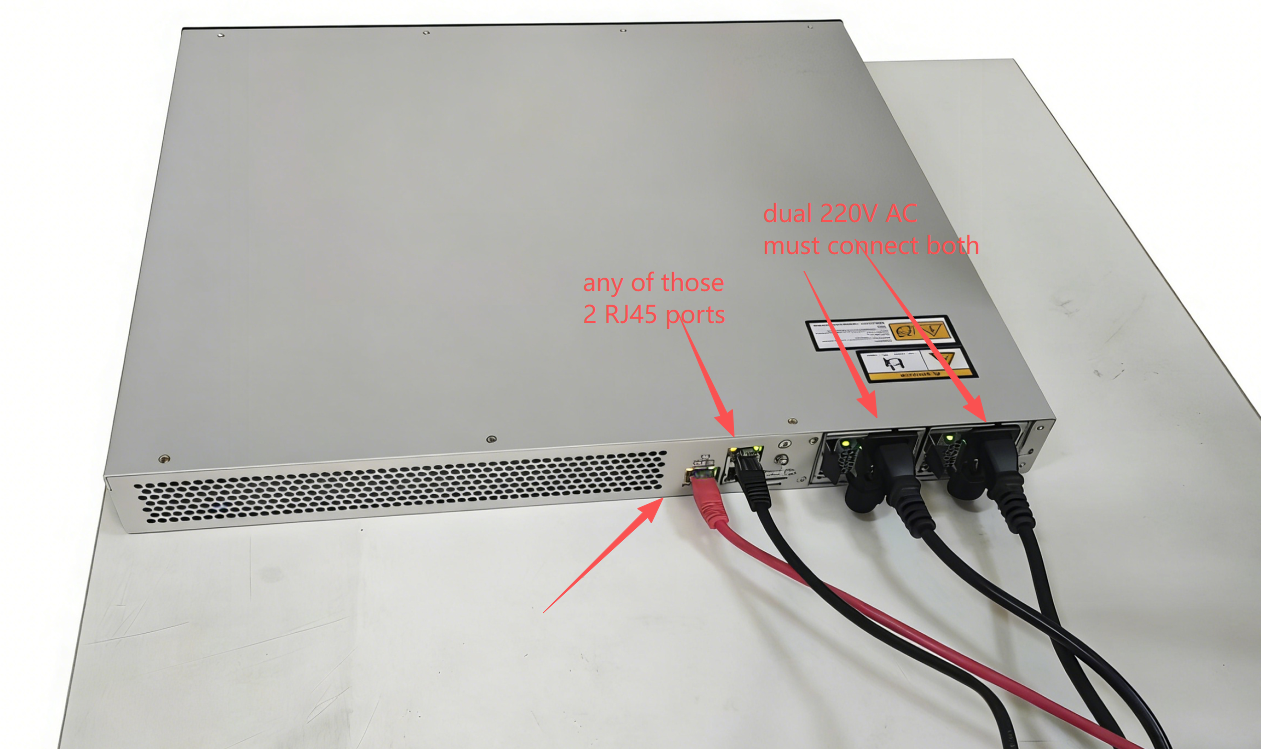
network&WEB login
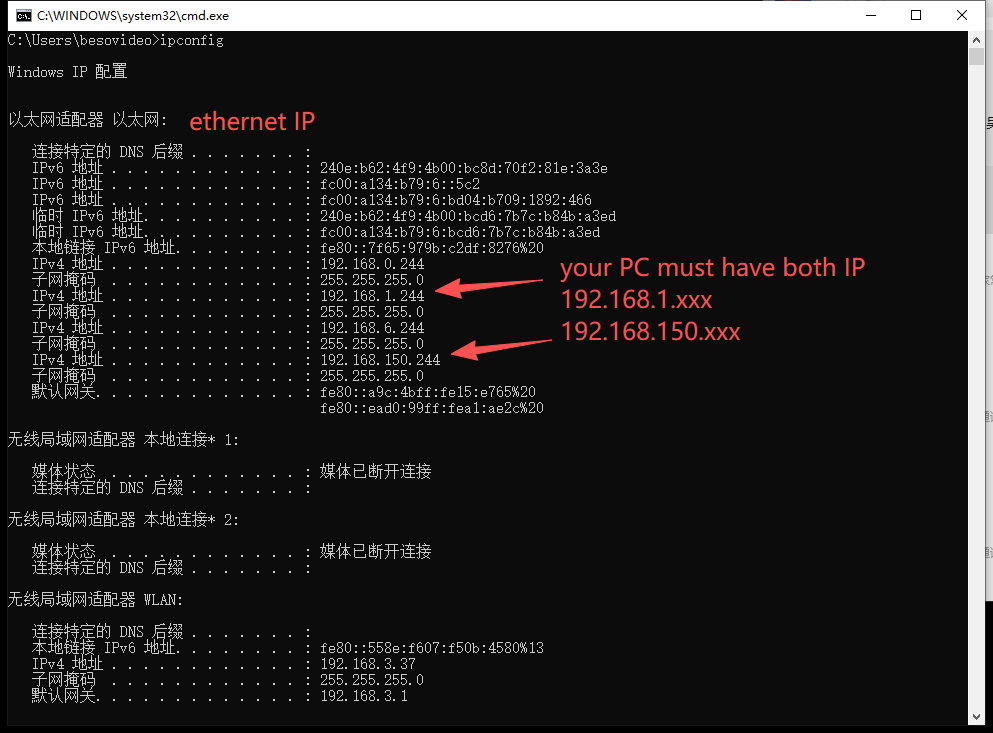
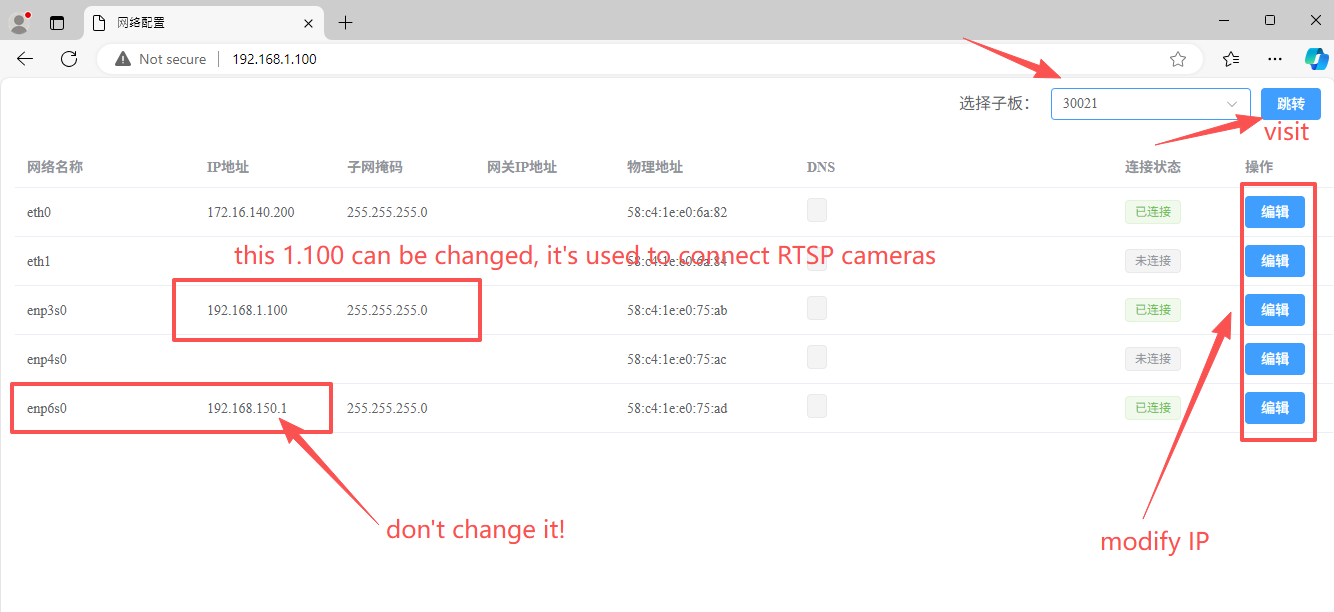
typically there are 2 IPs for this 192ch AI box at factory default,
1) 192.168.1.100 , this is for user interface, WEB visit, connection to RTSP cameras in LAN, this IP can be changed according to user local network
2) 192.168.150.1 , this is for internal access, no change on it
so your PC must have both IP for access, 192.168.1.xxx and 192.168.150.xxx.
WEB visit http://192.168.1.100 , as shown below,
pls select 30021 from upper left menu list, and click visit,
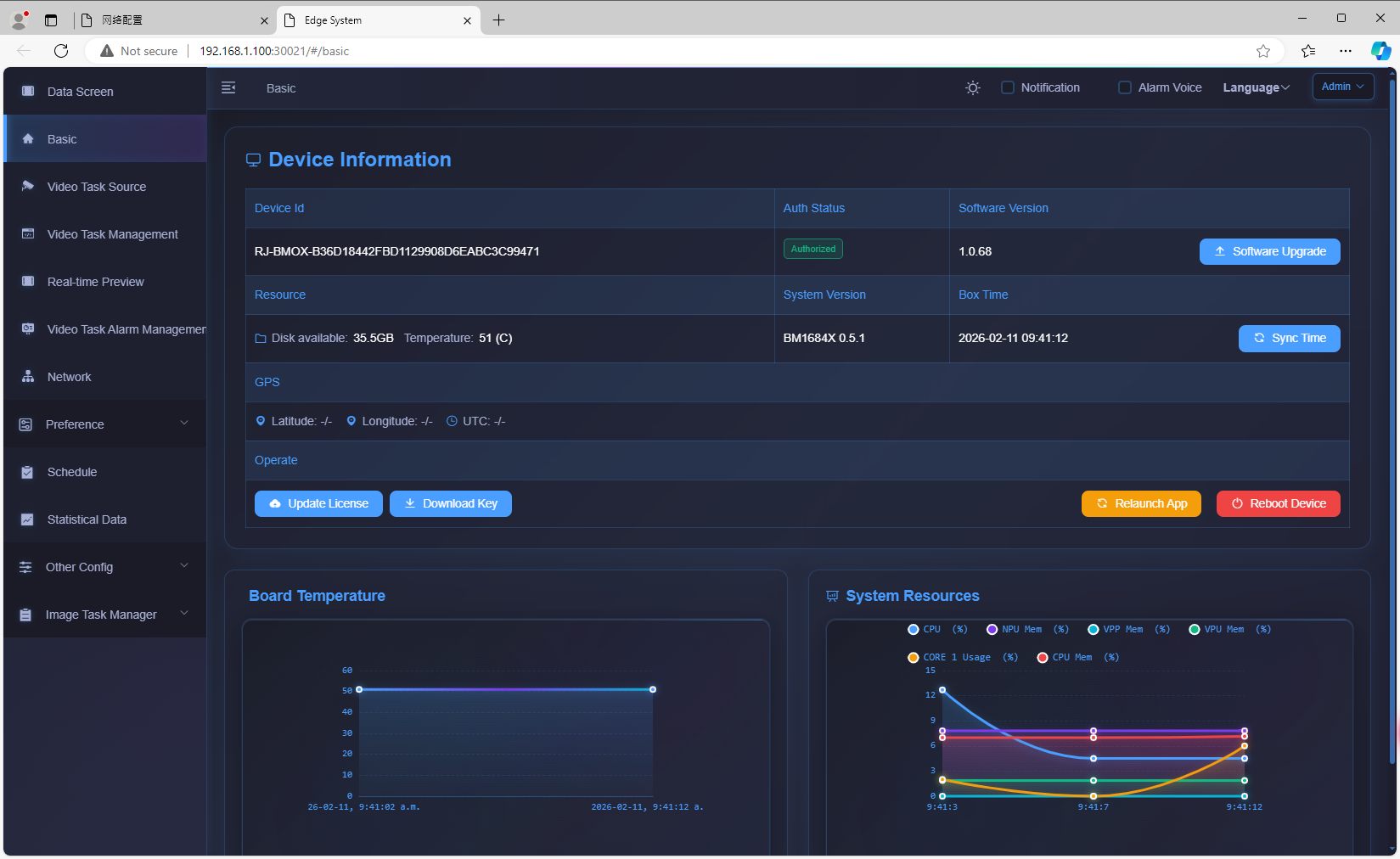
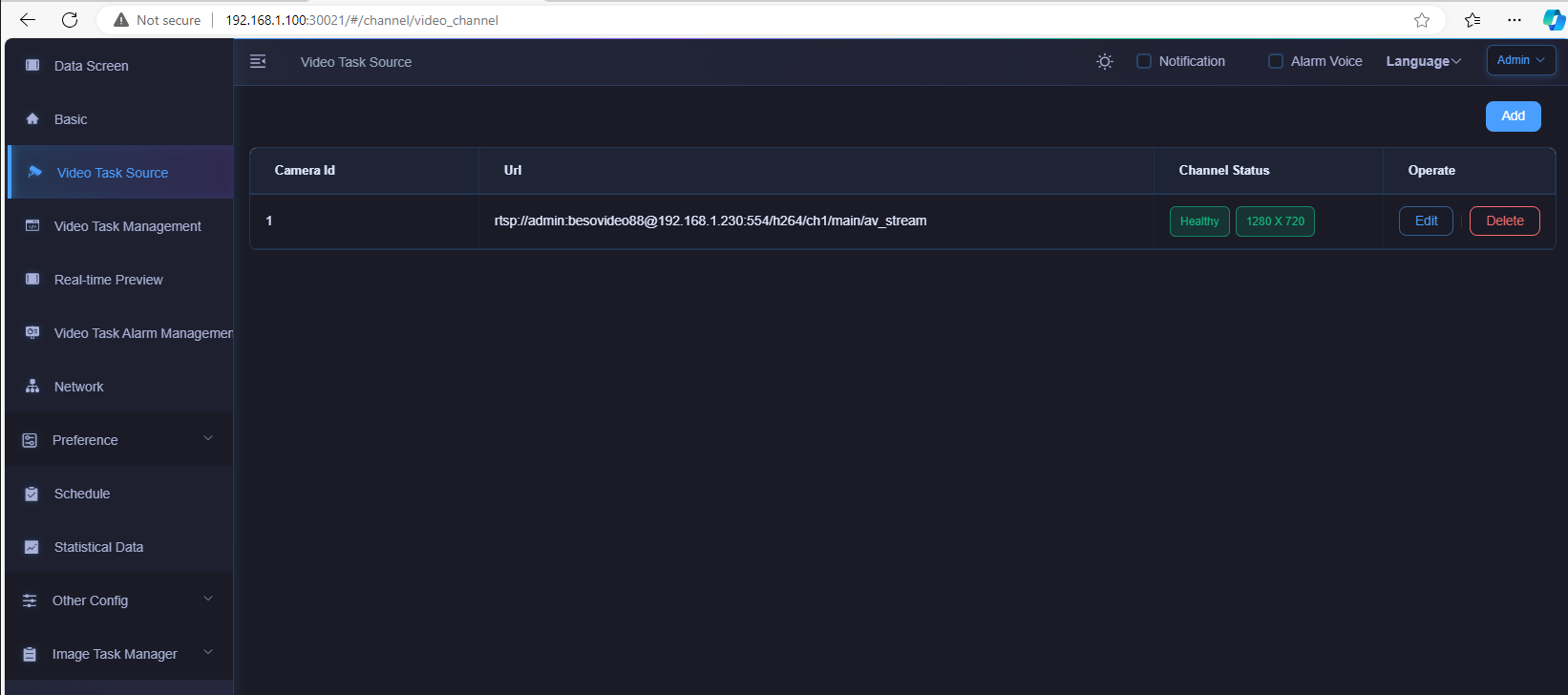
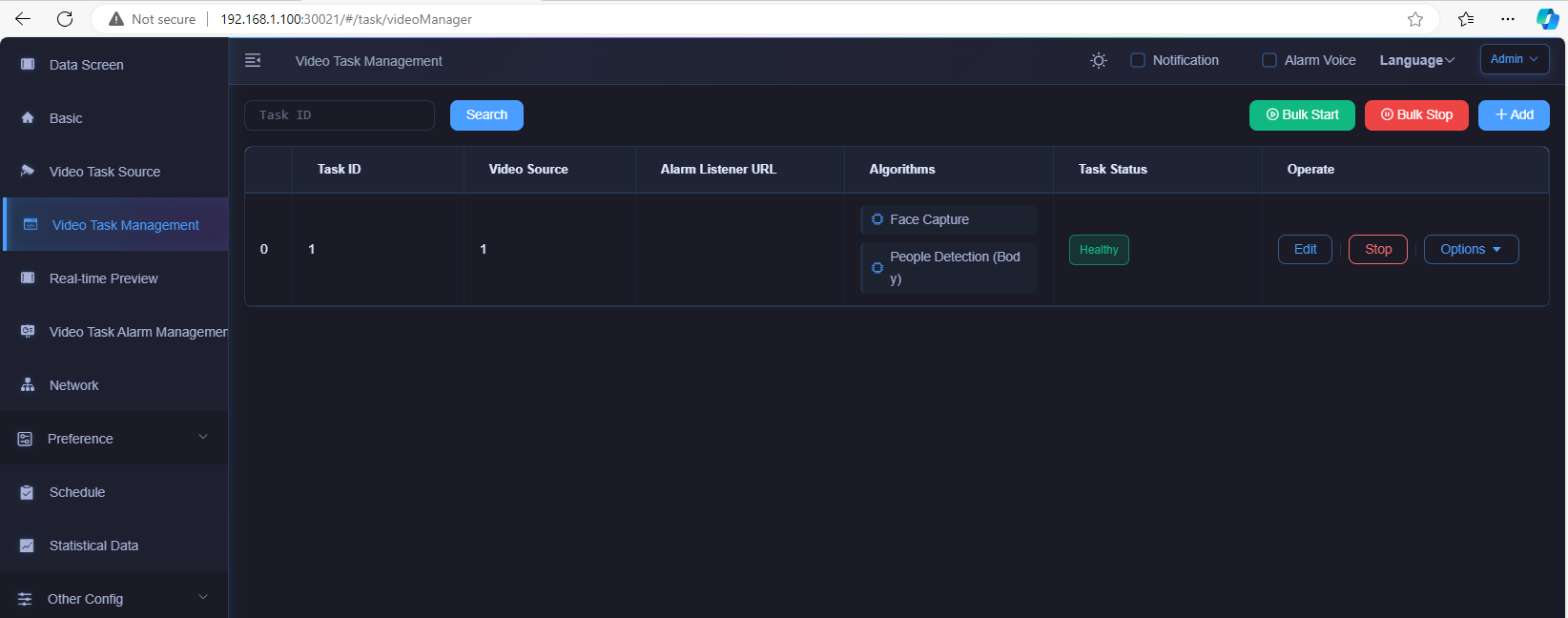
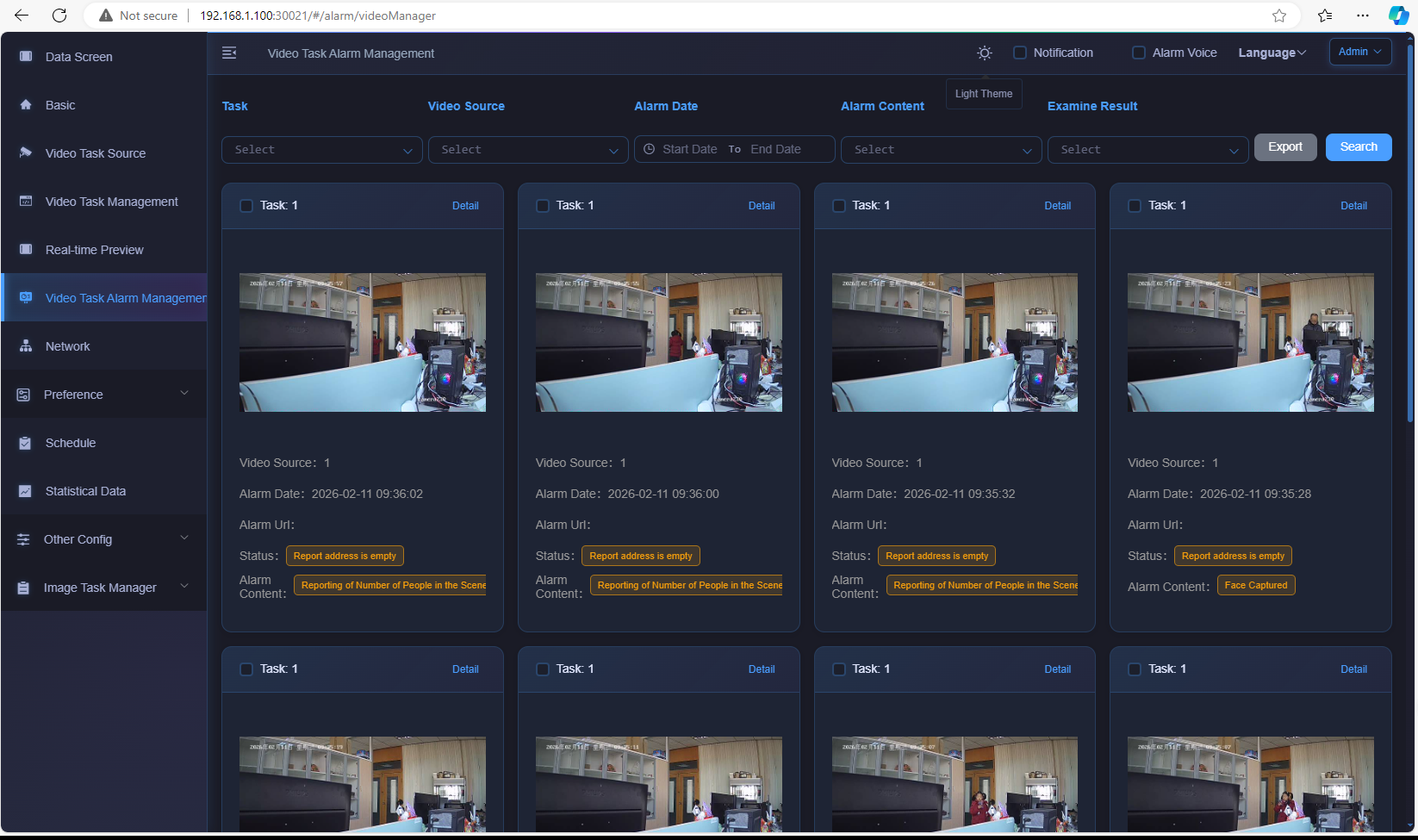
then it turns into below traditional WEB UI, typical 3parts, "add video source/RTSP + add task + check alarms"